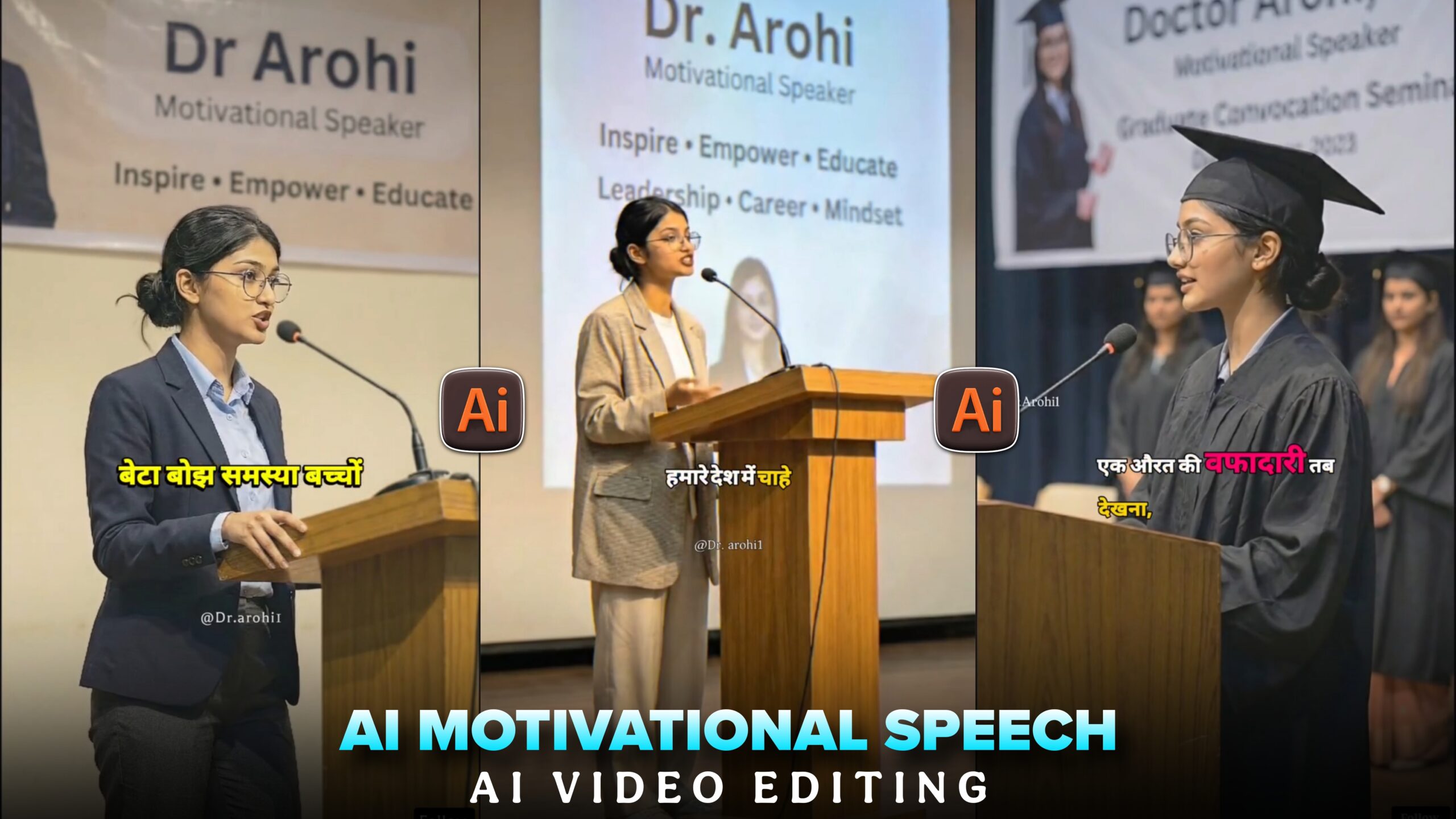
Trending Ai Motivational Speech Reels Editing –You may have seen such videos on Instagram, such videos are currently trending a lot. And this video is not an original video, it is a video made with AI. In this video, the girl is giving a motivational speech in Hindi. To create this video, you will have to take the help of some AI websites. It is very easy to create such AI motivational speech videos, you can create such videos very easily. This is a unique content idea, so if you create and post your video on Facebook or Instagram, it can go viral.
Trending Ai Motivational Speech Reels Editing
To create such a motivational video, first we have to create a motivational speech, for that we will take the help of chat gpt. After that, we have to create a photo of our model. For that we will take the help of Gemini AI. Finally, you have to create a video with photos. For that, we will use Flow AI. I will tell you the steps of these edits one by one. Don’t miss the steps, just follow the steps given below.
Create Motivational Speech Using Chat Gpt
First let’s see how we will create a motivational speech using chat gpt. First we will open chat gpt and we will paste this prompt.
PROMPT :- I Want 10-second hindi motivational
 speeches—short, powerful, and perfect for reels/shorts
I will show you one for example
रुकना मत। टूटना मत। तुम साधारण नहीं हो। आज नहीं—लेकिन बहुत जल्द, तुम साबित कर दोगे।”
This is the motivational speech that I created from chat gpt. This is how you have to create one.
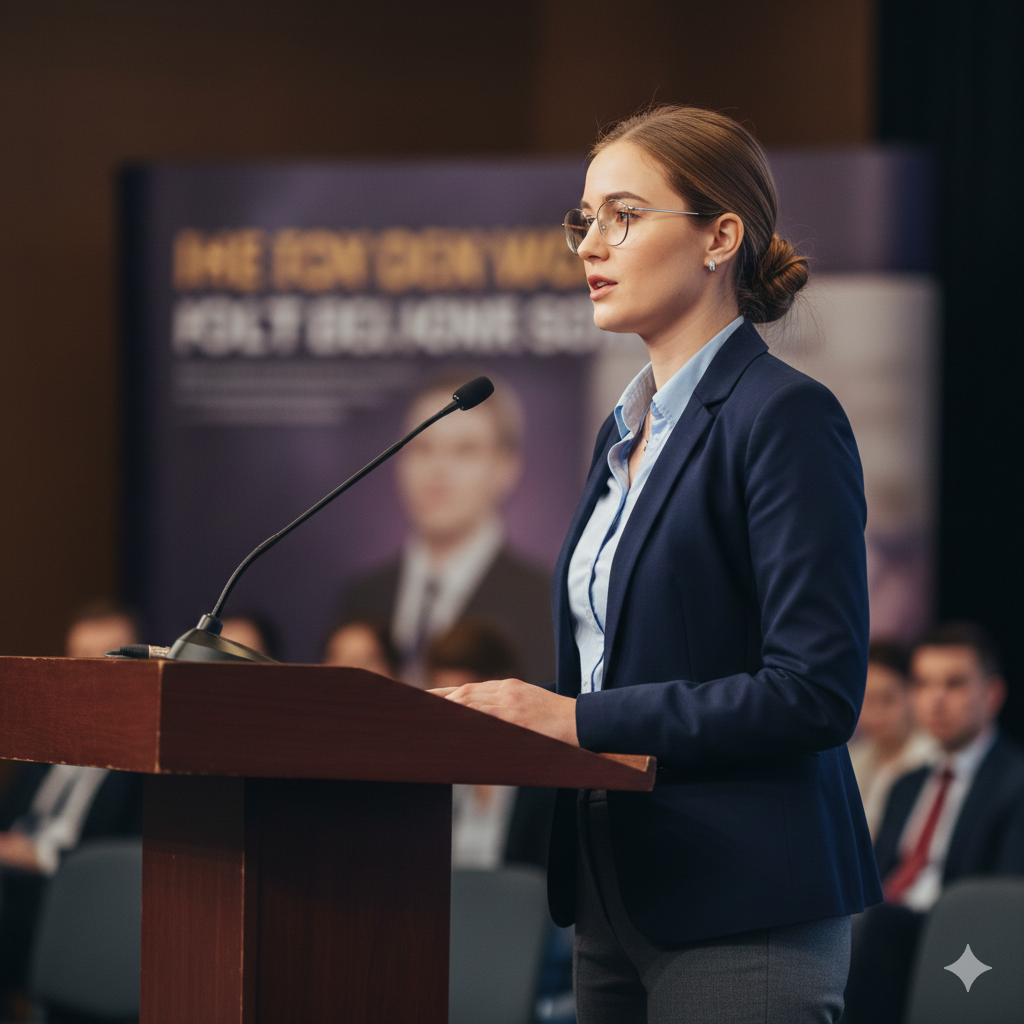
A realistic professional photograph of a confident young female motivational speaker delivering a speech at a formal indoor event.

She is standing behind a wooden podium with a microphone, speaking with calm confidence and clarity.

 She is wearing a formal blazer over a shirt, business-style trousers, and minimal accessories.

Her hair is neatly tied back in a low bun, and she is wearing subtle eyeglasses.

The background shows a soft-focus seminar or conference hall with a motivational banner behind her (text not readable, blurred).

Lighting is warm and professional, similar to auditorium stage lighting.

 The composition is mid-shot to waist-up, slightly angled from the side, cinematic depth of field.

Ultra-realistic, DSLR photography, sharp focus, natural skin tones, professional corporate event vibe, 4K quality, shallow depth of field, no distortion, no cartoon, no illustration.
How To Use Motivational Speech Model Gemini Prompt?
Once you have created the motivational speech, now we will see how we will create the model’s photo. For that, first we have to open the Gemini app. Then we have to create an account. After creating the account, click on our plus option and upload the photo of your model. Now copy the prompt you see above and open Gemini and paste it. Then you will see a send bottom, click on it. Then after a while your photo will be created.
How To Create Ai Motivational Speech Reels ?
Now we have to convert our photo to video. For that, type flow ai and search on Google. Visit the website. There is a new project option, click there. Now you will see an option called frame to video in the box below, click on that. After that, your picture must be added. Paste the prompt below; it will contain some dialogue. Next, you must compose the motivating speech you came up with. After that, click”Send,” option . Now your video will be ready.
VIDEO PROMPT:- Speaking in hindi with confidence , Dilogue ( Create Your Dilogue)
Create Your video
Conclusion
I hope you understand how to create a motivational speech video with the help of ai. . If you can’t create it with the help of the article, then you can go to my youtube channel and watch the video. I created a motivational speech like me and used it, you can create it yourself by thinking about it. And after the video is created, you will edit it a little in the capcut app. Then the video will be created perfectly. To see such videos, visit my website