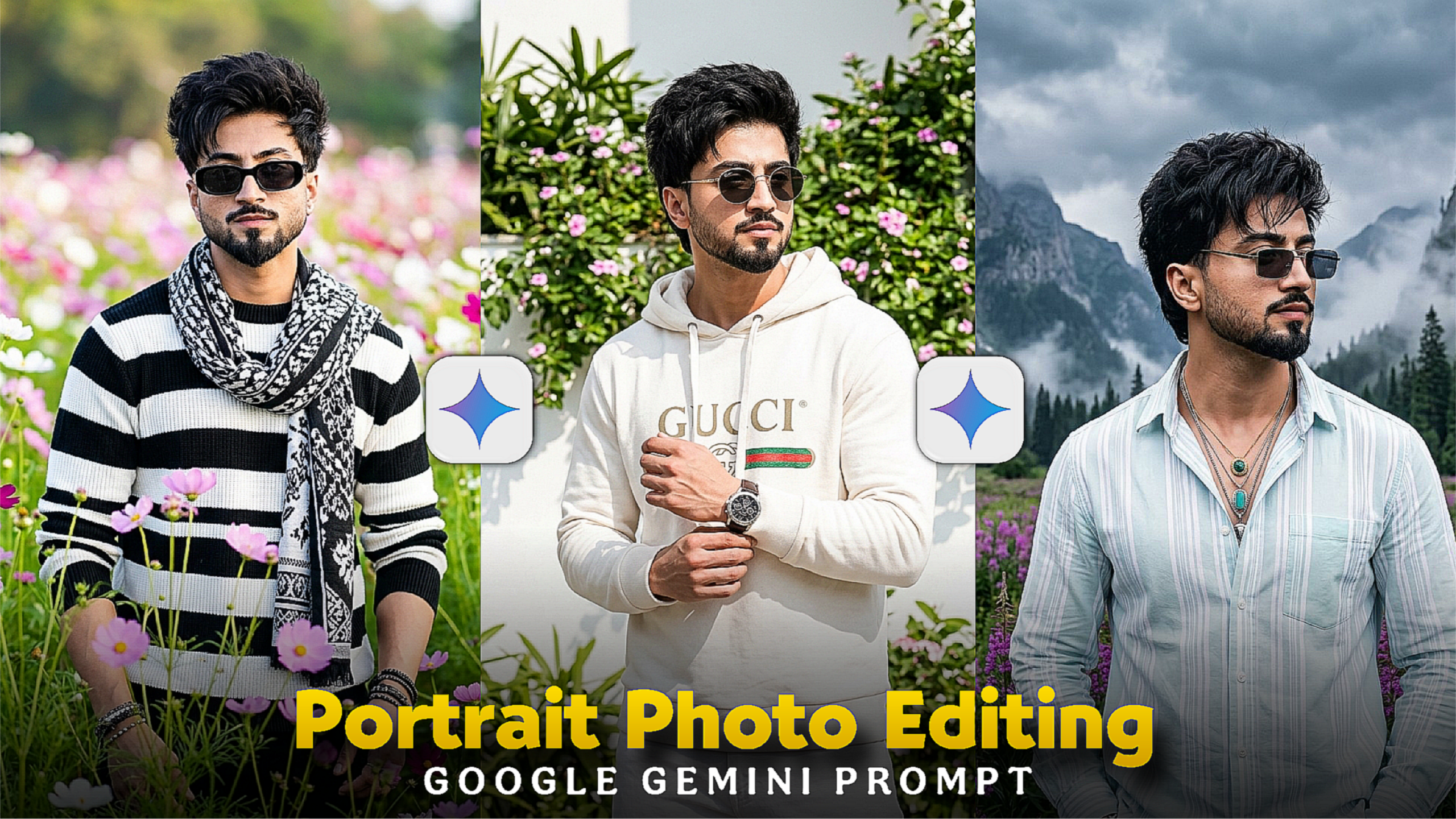
Viral Portrait Photo Gemini Prompt –Friends, do you want to create a professional level portrait photo of yourself? In today’s article, I will teach you how to create portrait photos with the help of Google Gemini. You don’t need a DSLR to create these photos. You just add the prompt and your portrait photo will be created. Today, I will give you that special portrait prompt. Which if used will make your photo ultra realistic. Soft lighting, blurred background with a completely professional look. So don’t skip the article and watch the whole thing. Because at the end, I will also share a bonus cinematic prompt. Using which you can create professional photos.
Viral Portrait Photo Gemini Prompt
I will give you the best 5 protrait google gemini photo prompts, use the one you like. You can create photos not in the gemini app. There are many other ai apps or websites in which you can create photos. In the gemini app. The photos are created with the help of khub stars. When you create a photo, you will turn on 2 features. One is nano banana, and one is pro feature. If you turn on these two, you will be able to create the best photo. The prompt is very important for creating a photo. The better you write the prompt. The better the photo will be generated. Let me tell you now how to create a protrait photo with the help of the gemini app.
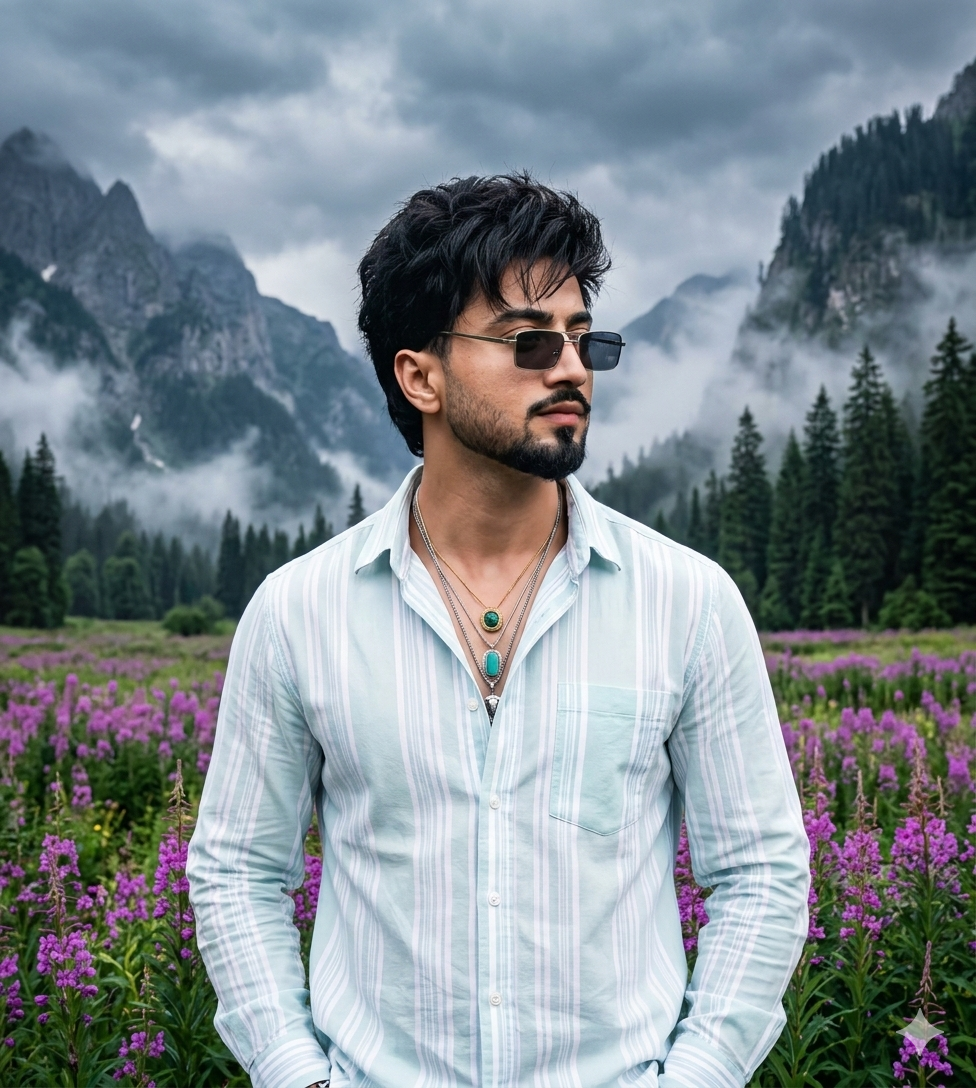
Ultra-realistic portrait of a fashionable young man in a purple wildflower meadow surrounded by misty mountains and pine forests. Wearing a light pastel striped shirt and sunglasses, hands in pockets, posing confidently and looking to the side. Soft natural light, moody cloudy sky, cinematic composition, depth of field, RAW photo style, sharp details, realistic colors, volumetric fog, DSLR quality, 8k resolution, hyper realistic, masterpiece, ultra detailed.

A stylish young man standing outdoors in bright natural sunlight, white Gucci hoodie and white pant. He is wearing Gucci circle sunglasses and a wristwatch, adjusting his shirt cuff casually. Confident and calm expression, looking sideways.

Background features a clean white wall covered with lush green plants and small pink flowers, creating a fresh aesthetic garden vibe. Bright sunny day with soft natural shadows falling on the wall and plants.

Ultra realistic skin texture, sharp focus, DSLR quality, natural colors, cinematic lighting, realistic shadows, high detail fabric texture, depth of field, bokeh background.

Camera Settings:

85mm lens, f/2.0 aperture, ISO 100, shutter speed 1/1000s, natural daylight

Quality Tags:

4K resolution, Ultra HD, photorealistic, RAW photo, HDR, high detail, professional photography, 8k texture, realistic lighting.
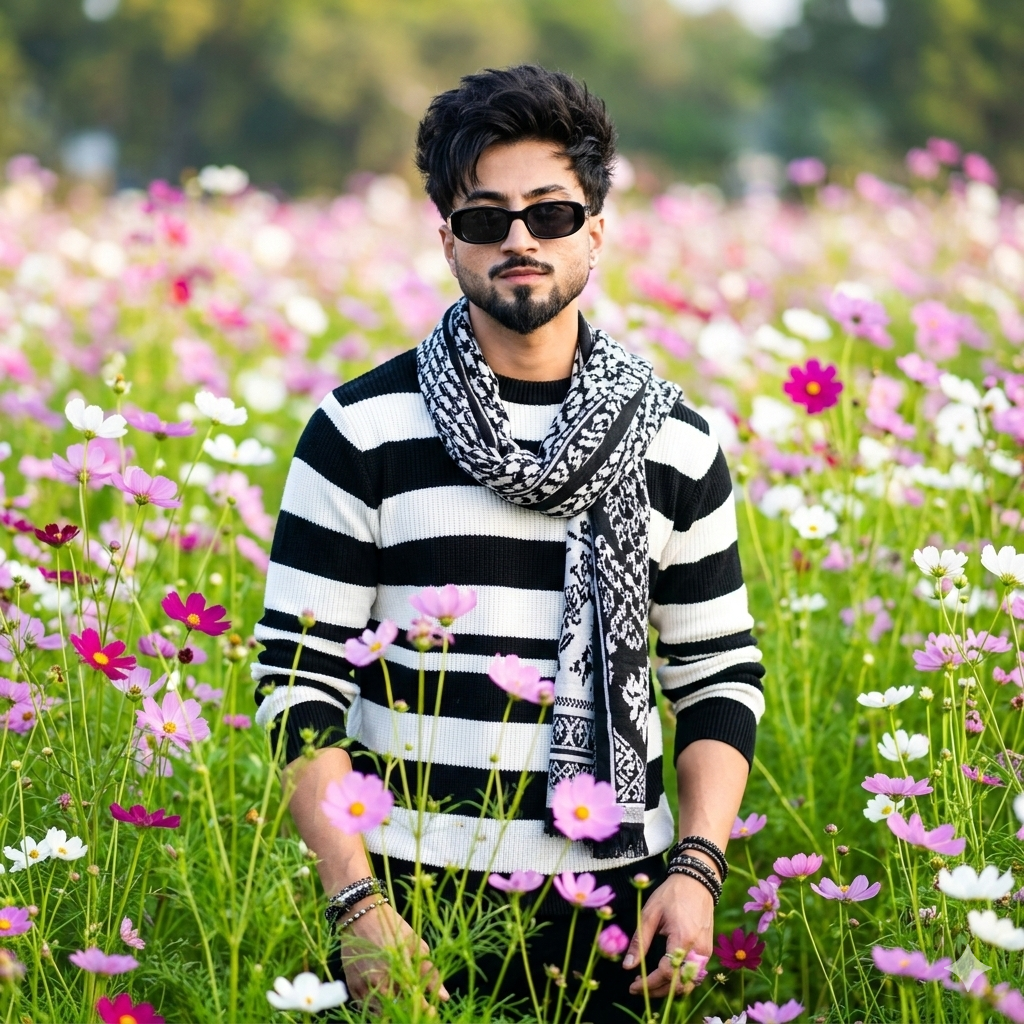
A high-quality, realistic portrait
of a young man standing in the middle
of a vibrant field of cosmos flowers.
He has styled dark hair and is wearing
black sunglasses, a black and white
horizontal striped sweater, and a
patterned black and white scarf
draped around his neck. The field is filled with pink, white, and purple flowers with lush green stems. The background is softly blurred with a beautiful bokeh effect, creating a shallow depth of field.

Bright, natural, soft daylight.
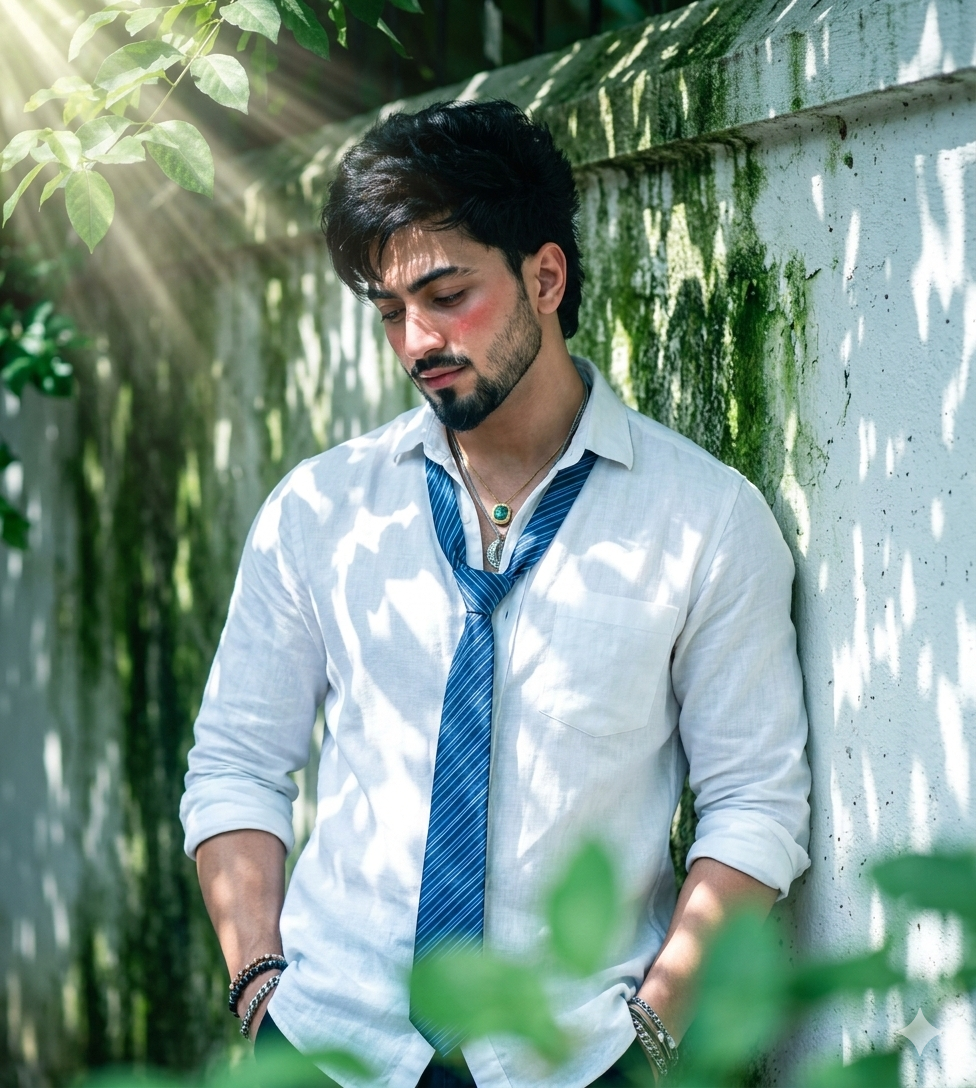
"A high-resolution, cinematic portrait
of the young man from the reference
image, maintaining his exact facial
structure and identity. He is leaning
against a white painted wall with subtle
green mossy textures, hands in pockets,
looking down with a shy, subtle blush.
He wears a crisp white linen shirt with
rolled-up sleeves and a blue striped tie.
Strong, dramatic sunbeams (god rays) filter through leaves from the top left, casting distinct dappled leaf shadows and diagonal slat-like shadows across his face and body. The foreground features soft green foliage, creating depth. The color palette is dominated by soft greens and cool whites, giving a peaceful yet moody 'cold vibe' with high-fashion lighting."
How To Use Portrait Photo Gemini Prompt ?
We must launch the Gemini app in order to make this portrait image. Click “copy bottom” to start copying the prompt. Paste the prompt after adding a photo to the Gemini app. The photo will be made after a while if you click the send option. To download the picture, open it and select the “Download” option.
Conclusion
I have given you 4 photo prompts, I hope you like one. If you have any difficulty in creating your photos, tell me in the comments. Create such a photo and post it on your social media. No one will be able to tell whether it is original or fake. If you upload these portrait photos, you will get a lot of good comments. You can give these prompts to your followers so that your followers can also create such photos. I hope this article will help you a lot.