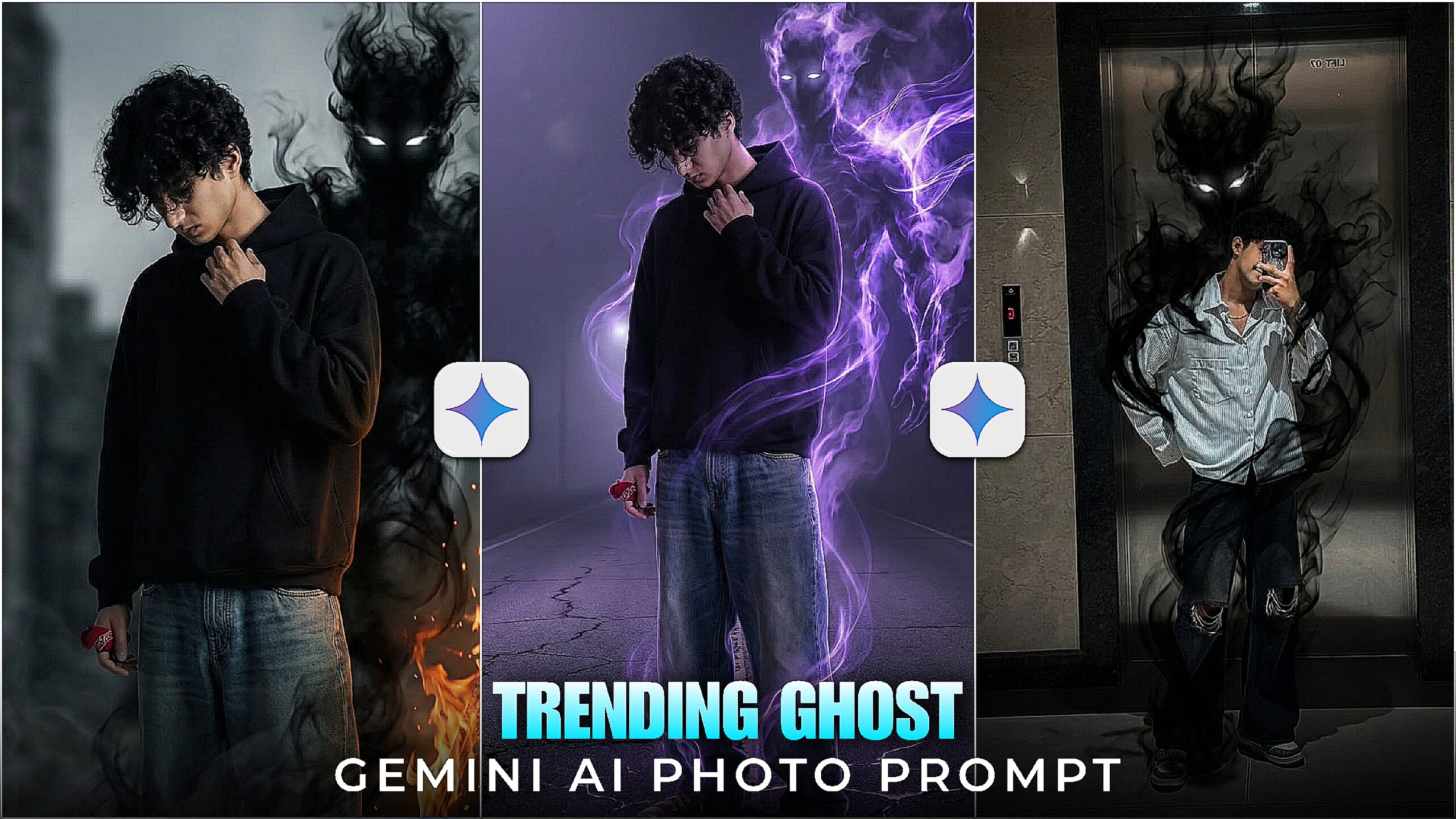
Ghost Ai Google Gemini Photo Prompt 2026-We have seen many types of gemini photos that are created with the prompts of gemini ai. But do you know that currently a new photo trading is going on on Instagram. Google gemini ghost photo Everyone is creating these photos and uploading them on Instagram. You can also make such ghost photos. I don’t know if ghosts are real. But you can upload such ghosts in photos. Your photos will also look very unique. And everyone will like the photos. Today we will know about ghost gemini photos in this article how to create photos. My name is ishan and I write these articles, if you like it, then definitely tell me in the comments.
Ghost Ai Google Gemini Photo Prompt 2026
To create this ghost ai photo, we will need prompt and Gemini app and loved ones. I will give you a promo but Gemini promo will not work on all photos. For that, you have to click a photo first. You have to take a selfie in the mirror. It seems like you can see the ghost in the mirror. The photo will look very horror type. Now I will tell you step by step how to create such a ghost Gemini photo. I will teach you in a very easy way how to create the photo
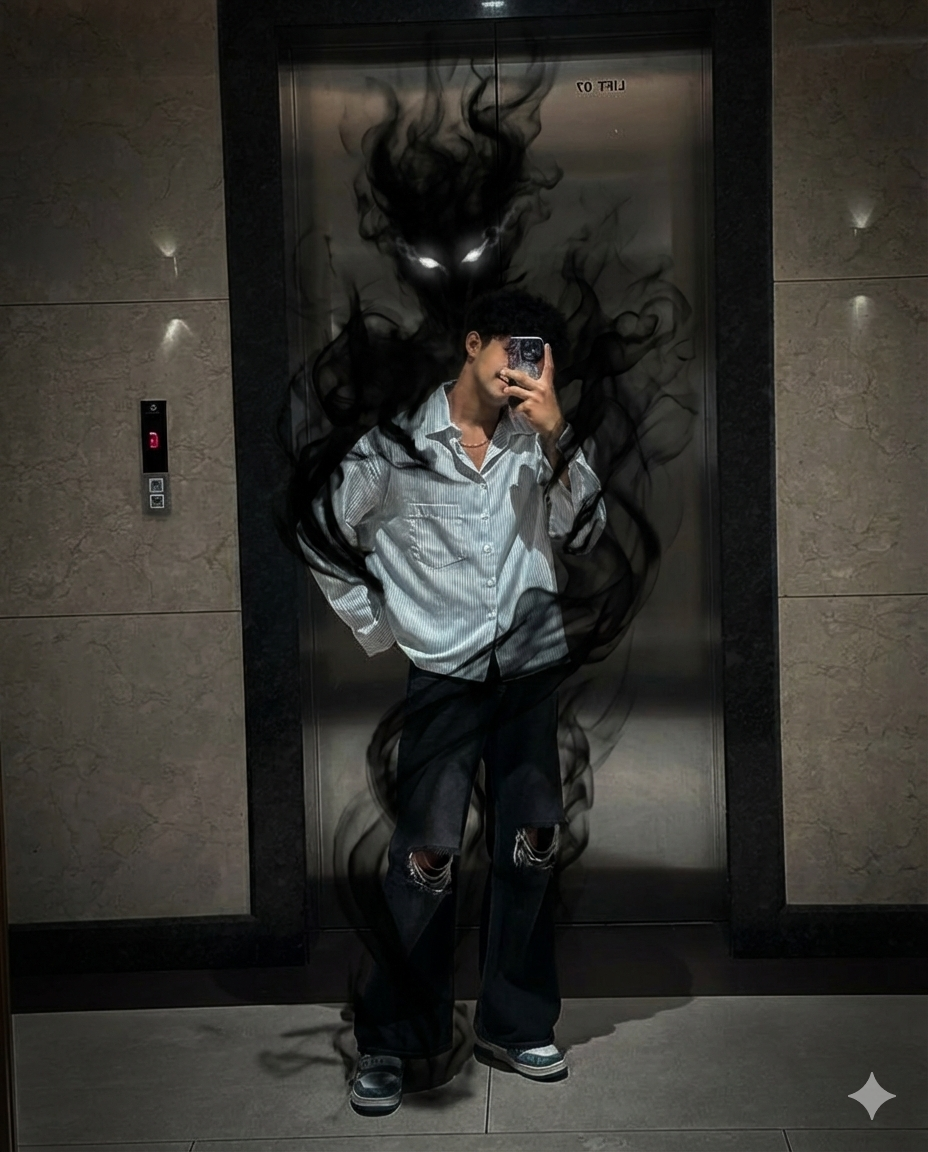
Turn this image into a gloomy, fantastical
scene from a movie.-Maintain the same face,
posture, attire, background, lighting, and
other details. Add a murky, smoke-like demonic
entity coming from behind the person’s back.
The entity should be comprised of whirling black
vapour, semi-transparent, with luminous white eyes.
The smoke blends in with the surroundings as it
organically wraps around the body and descends
to the floor. To make the monster feel like a
part of the setting, keep the shadows, reflections,
and depth believable. High contrast, cinematic
lighting, ultra-realistic, sombre, dark, and 8K quality. The camera angle, attire, and facial features remain unchanged.
How To Use Ghost Google Gemini Photo Prompt ?
I tell you in all the articles how you will use the gemini prompt. In this article I will also tell you how you will use the ghost gemini prompt. First you have to visit the gemini website by clicking on the link given above. After visiting, you will create an account with your gmail account. Because if you do not create an account, you will not be able to create photos. You will see the plus option below. Click there and upload the model’s photo. Then copy the promo given above. Open the gemini website and paste the promo. Then click on send bottom on the side and send. After some time, you will see that your photo has been created.
Conclusion
If anyone wants to create this ghost photo, you can create it with this prompt. This photo gives a little horror feel, it looks like someone is behind me. I hope you understand how to use the steps I have given. Photos need to be created. If you have any difficulty using ghost gemini ai photo prompt, tell me in the comments. If this article has helped you, share it with your friends.