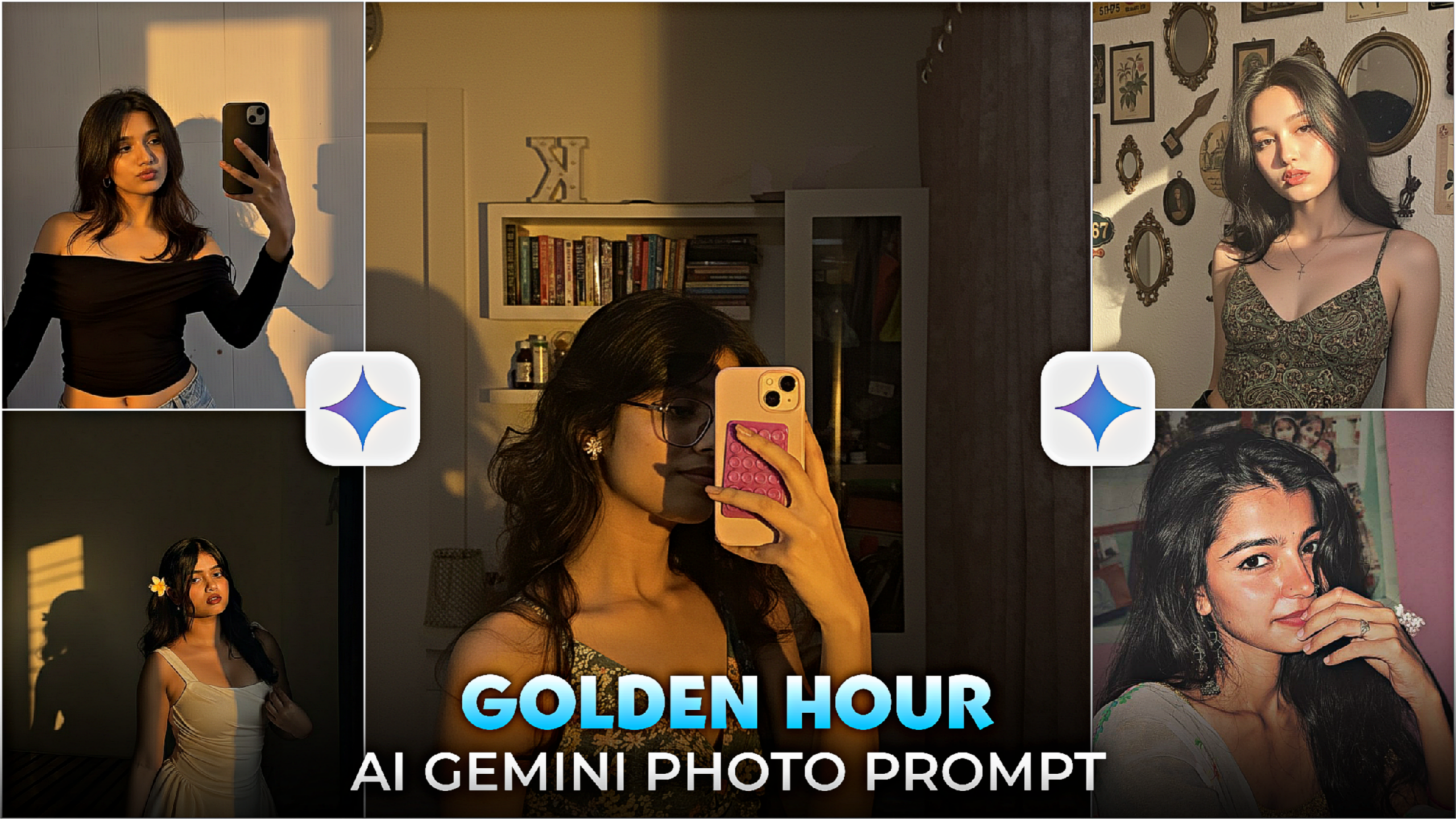
Golden Hour Google Gemini AI Prompt 2026-Instagram has started a new trend. Now everyone is converting normal photos into golden hour photos. And these photos look very nice and cinematic. To create these photos, we have to take the help of Gemini AI. You can create these photos for yourself or for your friends. Even if the photo quality is low, the photos will be converted to HD. Currently, everyone is creating golden hour photos with the help of Gemini AI and uploading them on their social media. I will tell you how you will create golden hour photos. Read the article well till the end. And you also create trending golden hour photos.
Golden Hour Google Gemini AI Prompt 2026
If you have a typical photo with poor backdrop and quality. After that, you can use that picture to make a golden hour picture. It would be a waste of time to take this picture with a camera. Better still. You submit the picture to Gemini, add the prompt. And watch as your picture is created. You don’t have to pay anything extra to create this photo. You can create golden hour ai photos for free. I will tell you some steps below, follow the steps and create the photo.
Golden Hour Gemini Photo Prompt?
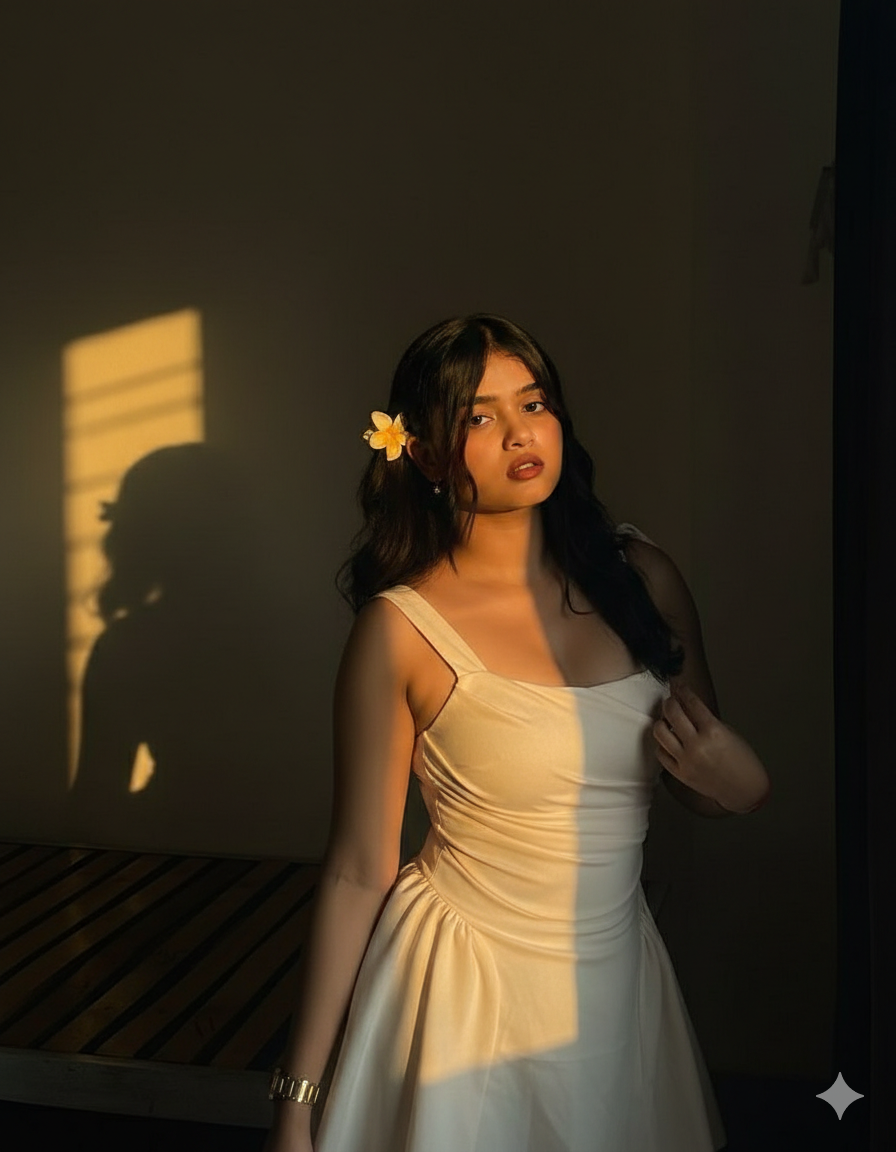
PROMPT:- Make a sombre, enigmatic portrait of my photo. Maintain the same background and camera position as the reference, with warm golden hour sunshine creating a dramatic shadow on a simple wall. This will guarantee that the powerful shadow of the face on the wall is apparent in a 9:16 overall cinematic tone. Just add sunlight; don't alter the pose or any other element.

PROMPT:- Use an ethereal lighting filter on the uploaded image while keeping all of the original details intact, with the exception of the lighting, glow, and colour mood. Add diffused sunlight that strikes the subject's skin to highlight their cheekbones, nose bridge, lips, and hair strands. Keep soft, deep shadows and bright, sunny parts clearly separated to generate a
How To Use Golden Hour Google Gemini AI Prompt ?
Now I will tell you step by step how to create golden hour photo. If you want, you can create the photo on the gemini app website or app.
- At first you have to copy the gemini prompt.
- Open google gemini app and import your photo then paste the prompt.
- After that you have click send option
- After some time you will see photo was ready.
- Now click in photo and click download bottom
Where should I post these photos?
Once you create the photo, it is very easy with the help of Gemini prompt. You don’t just have to create it, you also have to post it. Currently, there are many platforms where you can post photos or videos. Now the question is how will you upload this gemini photo on Golden Hour. I am telling you 2,3 platforms where you can upload it.
- Threads
You post the photo on these 3 platforms. Maybe your photo has gone viral on any one of the 3 platforms.
Conclusion
Friends, this is today’s article. I have told you step by step in this article how you will create the golden hour photo. And upload it as I have told you. Make some of your friends these photos and suggest them the name of my website. I hope you will not have any difficulty in creating this golden hour photo.


1 thought on “Golden Hour Google Gemini AI Prompt 2026”