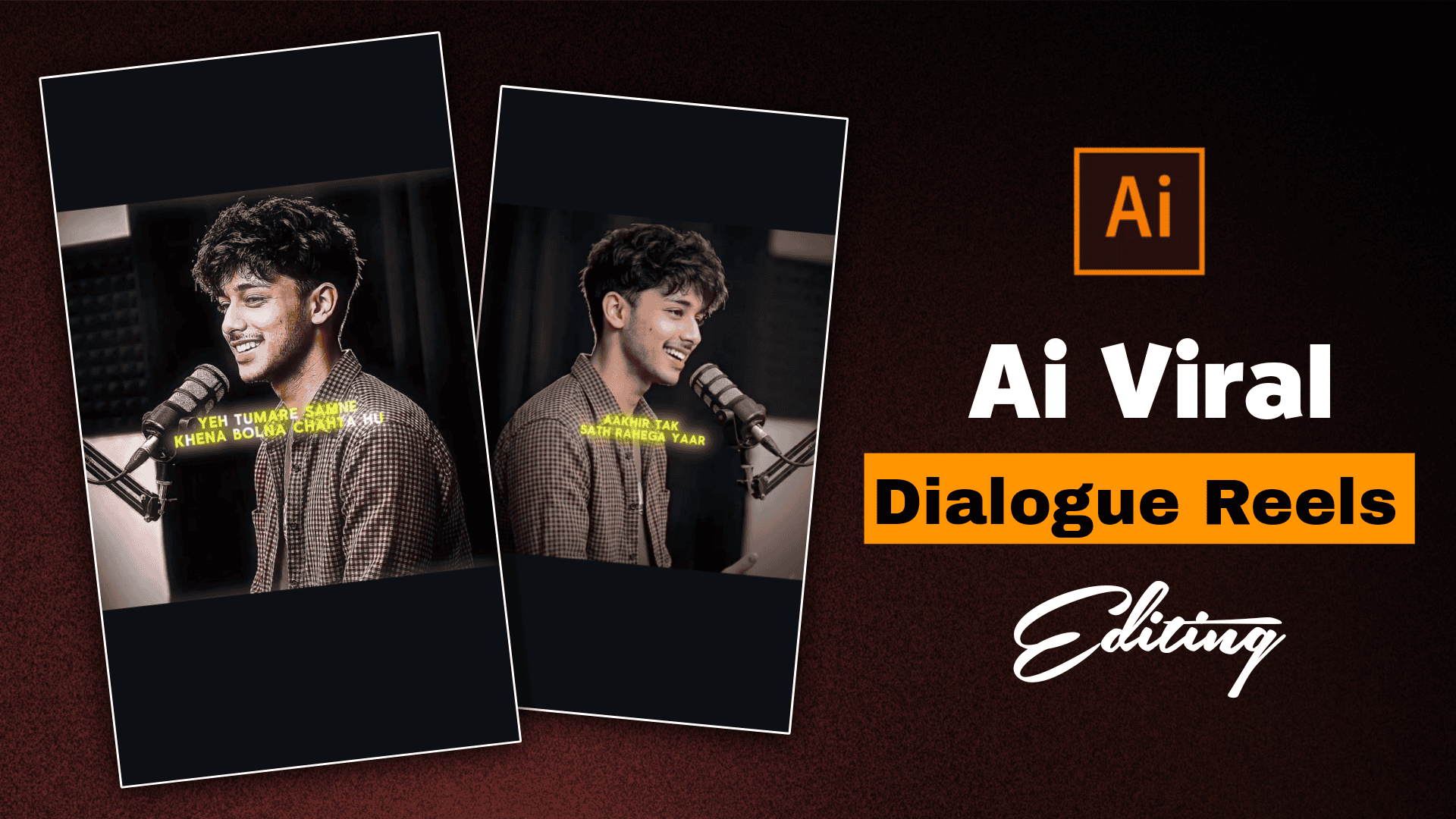
How to Create AI Dialogue Reels: Step-by-Step Guide for Beginners-Friend, currently Ai Sad Talking Reels video is going viral in large numbers. Some of these videos are uploaded on Instagram pages and are growing on their pages. And these videos are getting millions of views. It is very easy to make these types of Ai Sad Takling reels. You can create this type of video with just one click. Many people think that editing such videos requires big software or computer. But in fact it is possible to edit this type of video with mobile. I will tell you one by one how you will create this type of ai takling reels video very easily.
How to Create AI Dialogue Reels: Step-by-Step Guide for Beginners
These types of videos have very less competition. This is your chance to make your page viral. Because the topic where there is less competition has more chance of going viral. To do this type of sad Ai Talking Reels Editing, first we have to create a photo with the help of chat gpt and then generate a dialog. Then we have to convert the photo to video with flow ai. I will tell you step by step how to do it. For that, you have to watch the article till the end.
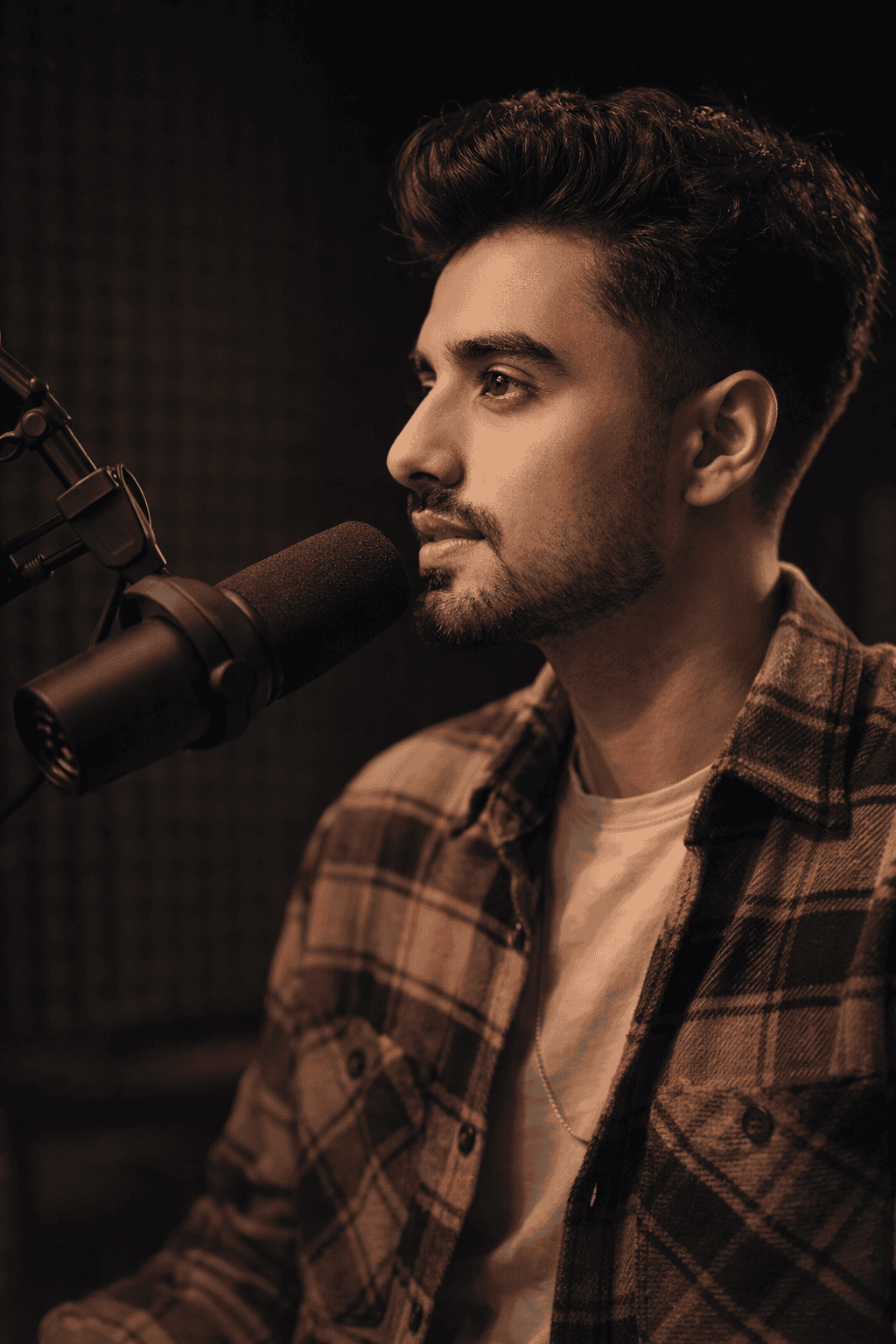
Use reference image

Ultra-realistic 4K portrait of a
stylish young South Asian man speaking
into a professional studio microphone,
side profile angle, medium close-up shot,
wearing a brown checkered casual shirt over a neutral t-shirt, soft natural skin texture, light stubble beard, voluminous slightly messy black hair, sharp jawline, confident and expressive face.


Professional podcast studio setup with
a black dynamic microphone on a boom arm
stand positioned close to his mouth,
cinematic soft lighting from one side
creating dramatic shadows, warm tone
color grading, dark blurred background
with acoustic foam panels, shallow depth of field, DSLR photography, 85mm lens, f/1.8 aperture, high-detail fabric texture, realistic skin pores, studio-quality lighting, sharp focus on face, background bokeh, professional content creator vibe.
How to Create AI Dialogue Reels Photo Using Chat Gpt?
This is the chat gpt prompt, it will be used in your chat gpt app or website. To use it, first you have to copy the prompt. Then you have to open the chat gpt app. You will see the create image option, click there, now upload the photo. Then you have to paste the prompt. Then you will see the send bottom, click there. After a while, you will see that your photo has been generated. Open the photo, then click on the save option and download the photo.
How To Create Ai Photo To Video?
After generating photos with Chat GPT, we need to generate videos with photos. For that, we will use the flow ai website. We will first visit the flow ai website and then create an account with a gmail id. Then we will have to click on the new project option. We will have to upload photos by clicking on the plus option in the box below. Then we will have to give this video promot.
Speaking in Hindi with confidence

Dilogue - "Hum hamesha ke liye the…
ya socha tha. Par tumne koshish band
kar di. Maine sab kuch diya, aur mujhe
sirf khamoshi mili. Shayad maine zyada
pyaar kar diya
You have to write the dialogue that you want to write now. Then you have to click on the send option. Wait for a while and then you will see that your video has been created. Open the video and download it by clicking on the download button at the bottom.
Conclusion
Our video has been created with dialogue and now we need to add some music. And movie clips in the background to make the video a little more professional. You can use it as your dialogue and account. And if you don’t get the dialogue, you can take help from chat gpt. I hope you won’t have any difficulty in creating your video. If you like the article, share it with your friends.