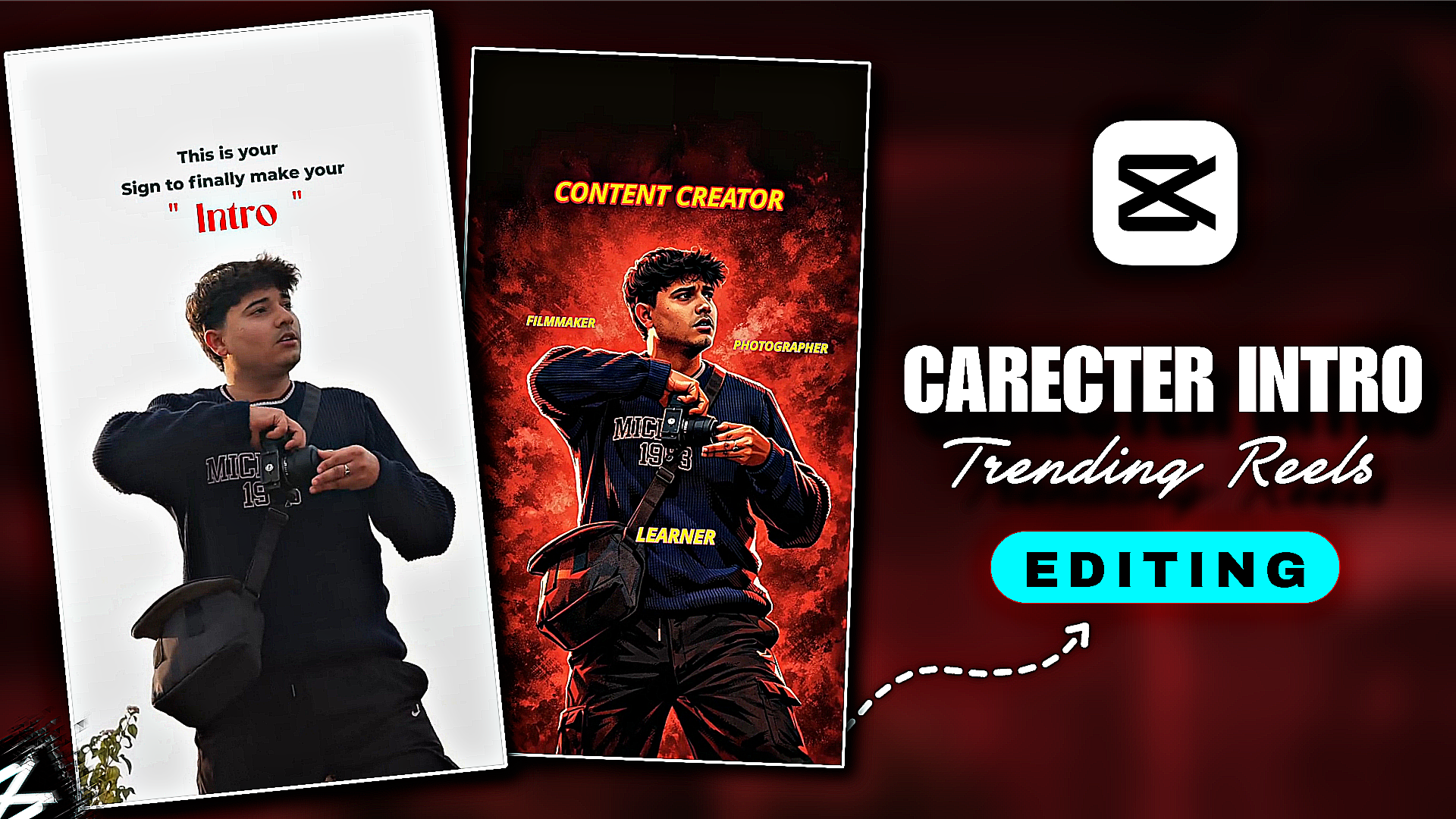
How To Edit Trending Carecter Intro Reels-Trending If you post on your social media. Your video views increase a little. Sometimes videos get millions of views. Now there is a trending video on Instagram. We need to take a little help from AI to create this video. Your name will be written in this character video and something about you will be written. These character reels are very beautiful and unique, so they are becoming more viral. How do you create these reels? I will show you step by step through the article. If you also want to create such a character intro video, follow the steps I have given.
How To Edit Trending Carecter Intro Reels
We need 2 apps to create this character video. First we need to download the capcut app, then our gemini app. In gemini video, we will create the intro photo and edit the reels with capcut. You may not understand how to do the editing step. I will explain everything to you and tell you how to do it. After creating the video, you will definitely post it on your social media. Now let’s see how you will create the character intro video
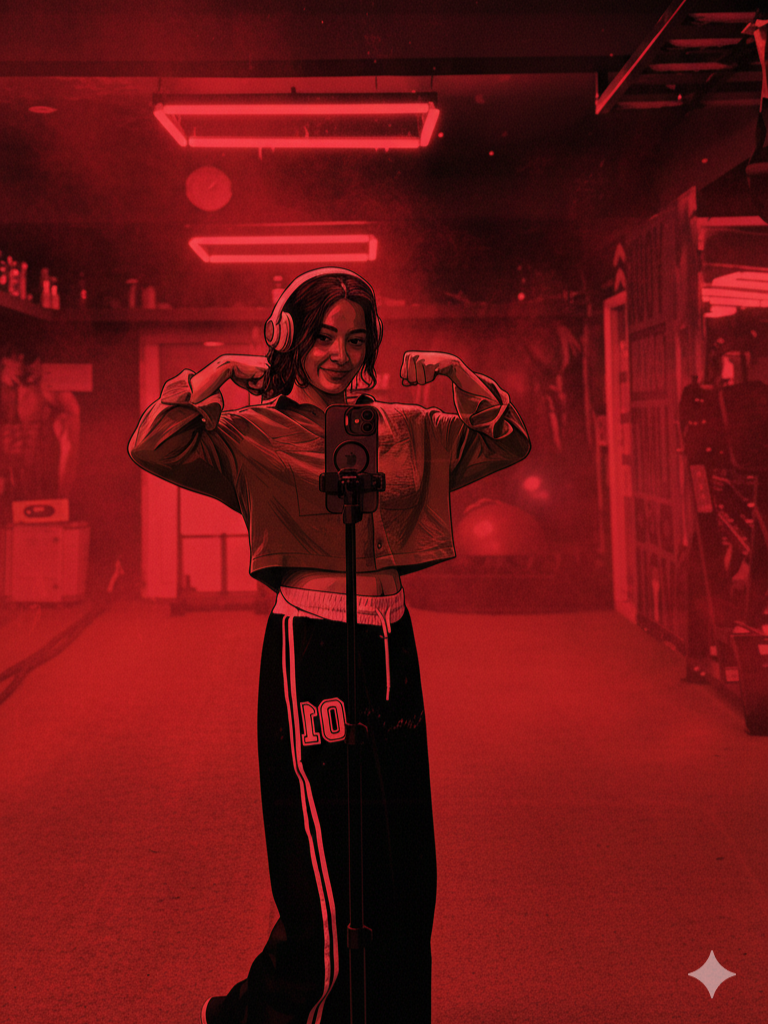
Make a digital depiction of the subject of the reference photo that is cinematic. Preserve the precise expression, skin tone, hairdo, and posture of your face without any distortion. Make the entire scenario look like a poster for a Tamil gangster movie with a lot of contrast and a rich red colour. Subtle textures, a smoky atmosphere, and crimson gradients should be used to replace the background. Add glossy highlights, powerful black shadows, thick outlines, and dramatic comic book shading to the skin and clothing. Maintain the original apparel design while adding deeper tones, crisp folds, and dynamic lighting to the ensemble. Apply strong highlights to the body's borders, cheeks, and jawline. Keep your initial stance and demeanour. Use dramatic lighting and stark contrast to create a gritty, strong movie atmosphere. Sharp, incredibly detailed lines action in a vivid crimson atmosphere 4K illustration, movie poster energy
How To Create Carecter Intro Photo Help With Gemini Prompt?
- First we will create the photo with the help of gemini. Then we will see how to create the video with capcut. First you have to import the video in the capcut app. From where you want to convert the photo to intro style, skinshoot it. Then crop the photo well.
- After cropping the photo, you have to open the gemini app. After opening, you have to click on the plus option at the bottom and add the cropped photo. Then you have to copy and paste the promo that is above. Then you have to click on the send option. After waiting for some time, your photo will be created, then you have to click on the photo and download it.Create Your Image
How To Create Trending Carecter Intro Video?
Now let’s see how to complete the video edit with Capcut. Click on the photo that you screenshot in Capcut. Add the photo that you downloaded by clicking on the plus option. Now add a shake effect to the photo. Then click on the text option and write the text that you want to write. Add some animation along with it, then adjust the song clips, then you will see your video created.
Conclusion
After watching the article, you have understood how you will create the character reels video. If you do not understand, you can watch the video on my YouTube channel. I have just created this website, tell me how you like the articles. If you want to grow your page on social media, post such videos, your Instagram page will grow very soon. To see more such articles, visit the page and share the page with your friends.
1 thought on “How To Edit Trending Carecter Intro Reels”