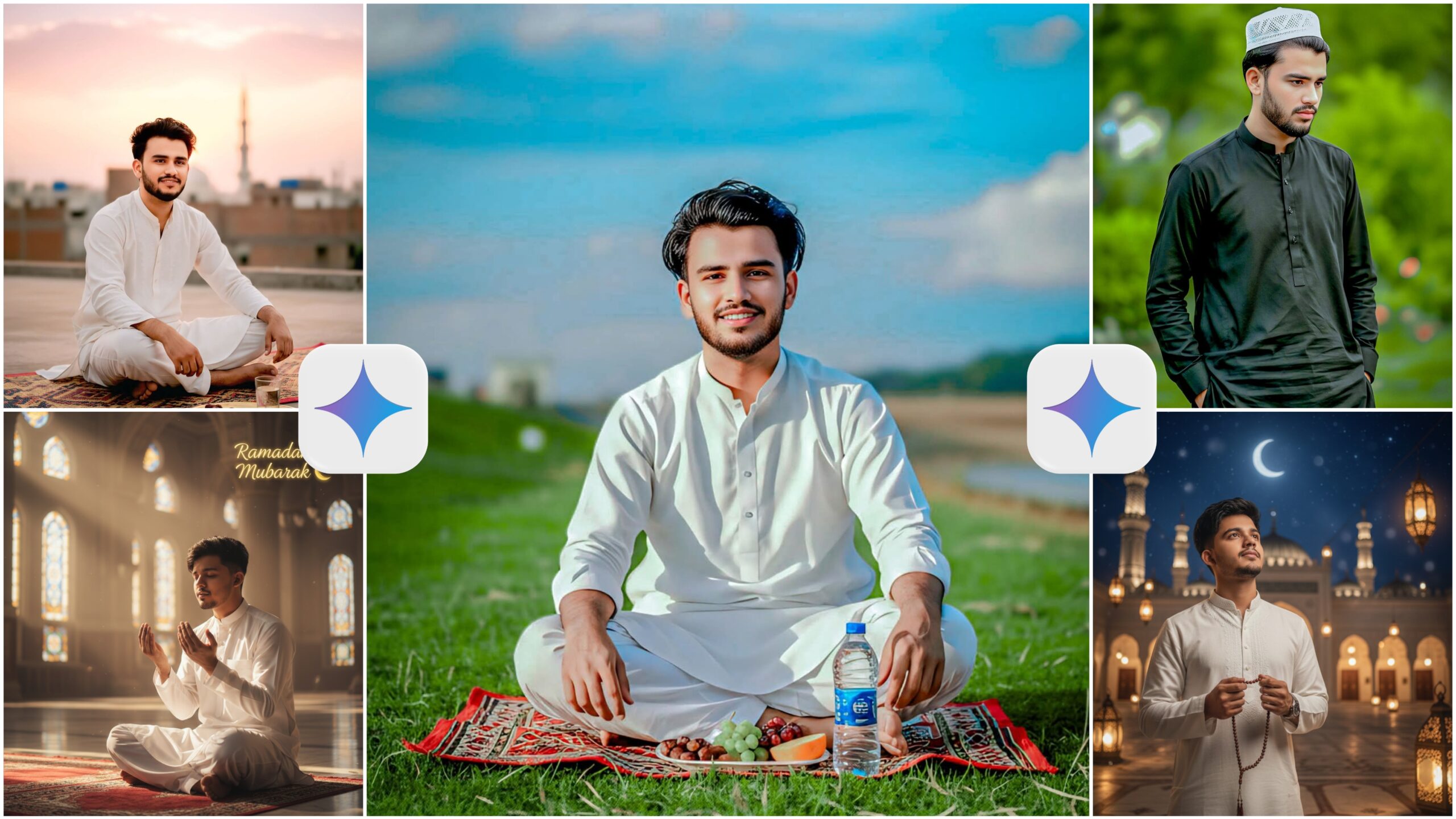
Ramadan Mubarak Google Gemini Ai Photo Prompt 2026-Assalamu Walaikum to all of you, I wish you all a happy Ramadan. Today I have brought you some beautiful google gemini ai photo prompts for Ramadan. Ramadan is a month in a year, on this day we all Muslims fast. Along with this, you can also keep some Ramadan traditions. There are many of you who shoot photos and wear Punjabi and kurti. Go to the mosque and pray. How about I make such photos for you without any effort. Friends, watch this article till the end. In this article, I will tell you how to use gemini photo prompts for Ramadan. You watch the article till the end.
Ramadan Mubarak Google Gemini Ai Photo Prompt 2026
I will give you 3 to 4 prompts, use whatever you like for Ramadan. You can create photos and post them on social media. Your friends will think that you have really shot photos. Now that it is the month of Ramadan, if you post them on social media, your photos can get likes. This will grow your page. You have to apply some settings to create the photos, otherwise they will not match your face. If you follow the steps given by me, then it will be created perfectly.
How To Use Ramadan Mubarak Gemini Ai Photo Prompt ?
- First of all, you have to copy the prompt by clicking on copy bottom.
- Then you have to open the google gemini app. You have to download it from the play store.
- Now you have to create an account in the gemini app with the help of gmail id.
- Then you have to click on the plus option and add the model’s photo.
- Then you have to paste the prompt. And click on send bottom
- After some time, you will see that your photo has been generated. Open the photo and then click on the download option and download the photo.
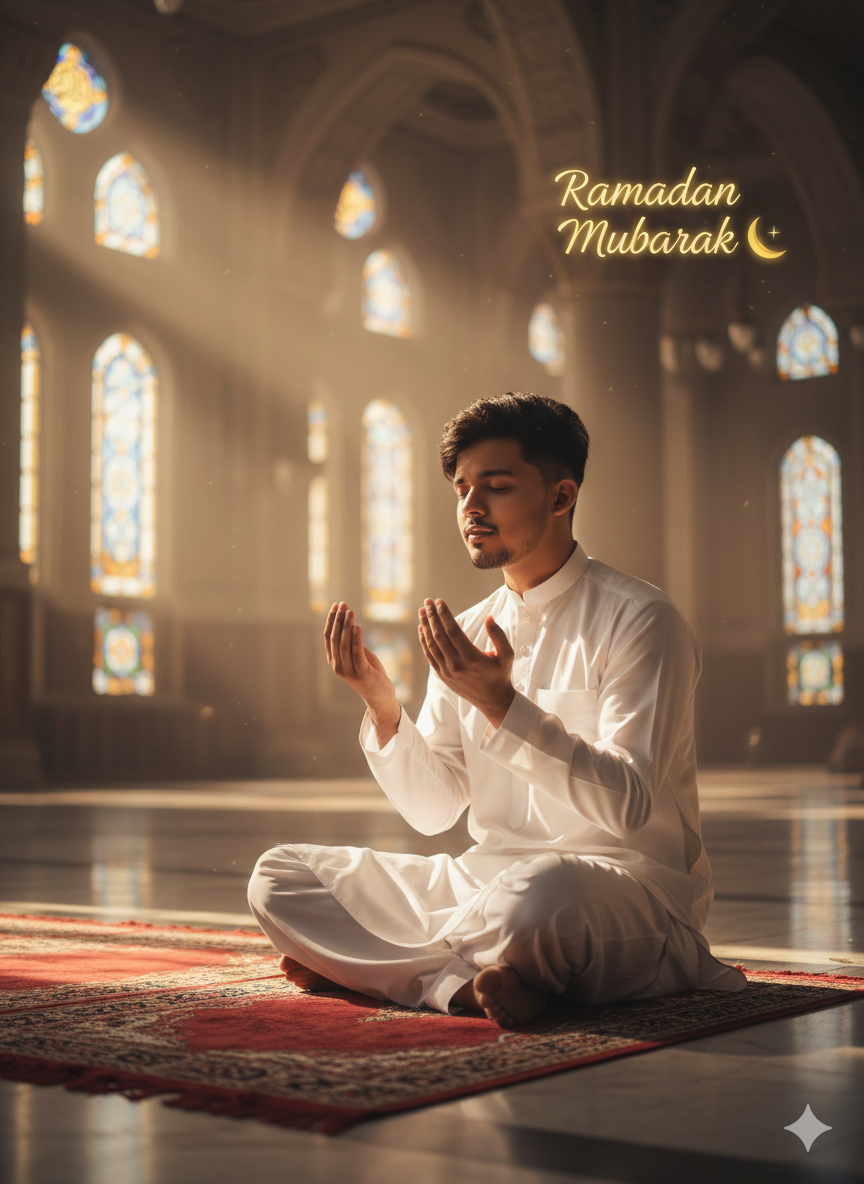
Create a realistic Ramadan prayer scene using the same reference face.

Do not change my face at all.

He is sitting inside a grand mosque after prayer, soft sunlight entering through windows.

Prayer mat in front, hands raised in dua position.

White traditional outfit.

Peaceful emotional expression.

Add soft elegant text: “Ramadan Mubarak 🌙”

High realism, warm natural light, spiritual atmosphere.
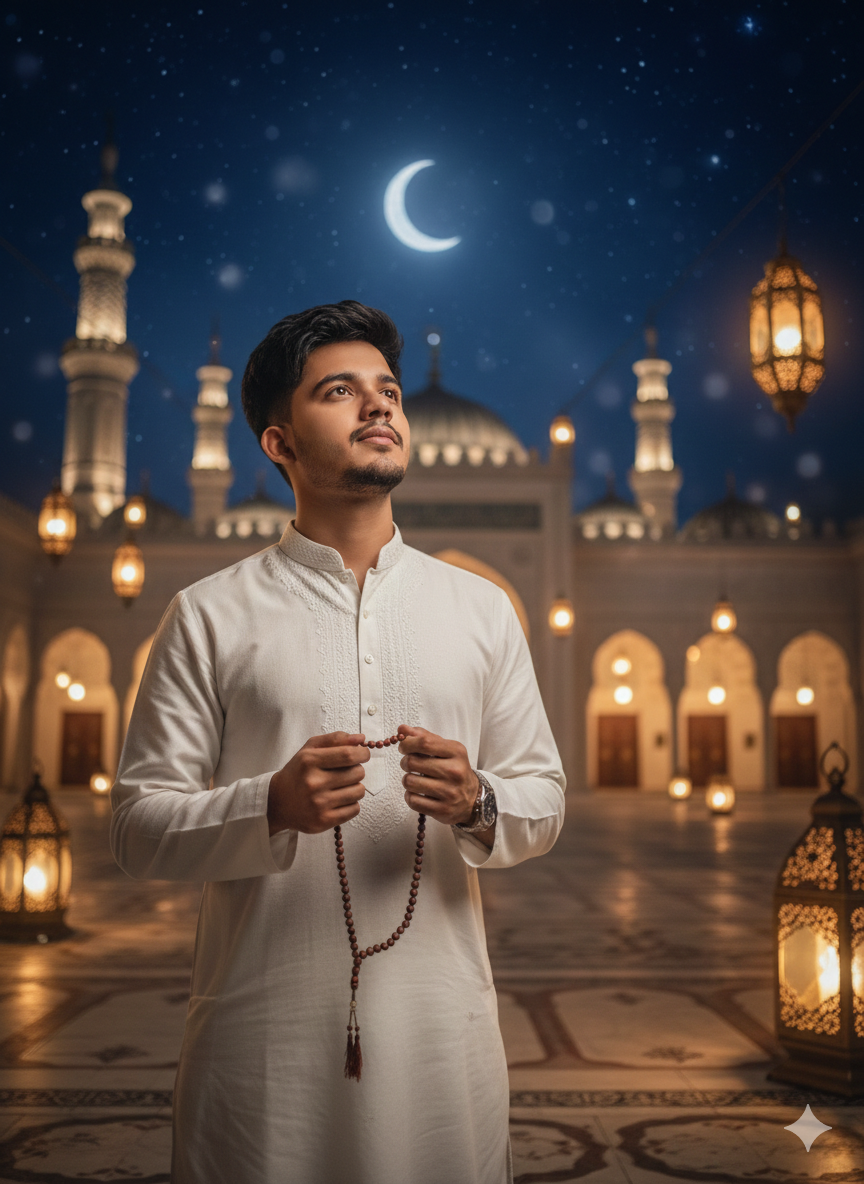
Cinematic Ramadan night scene of a
young Muslim man standing near a
mosque courtyard, holding prayer
beads (tasbih), warm lantern lights,
Islamic architecture in background,
starry sky with crescent moon, soft
bokeh lights, emotional and spiritual mood, ultra-realistic, high detail, professional photography
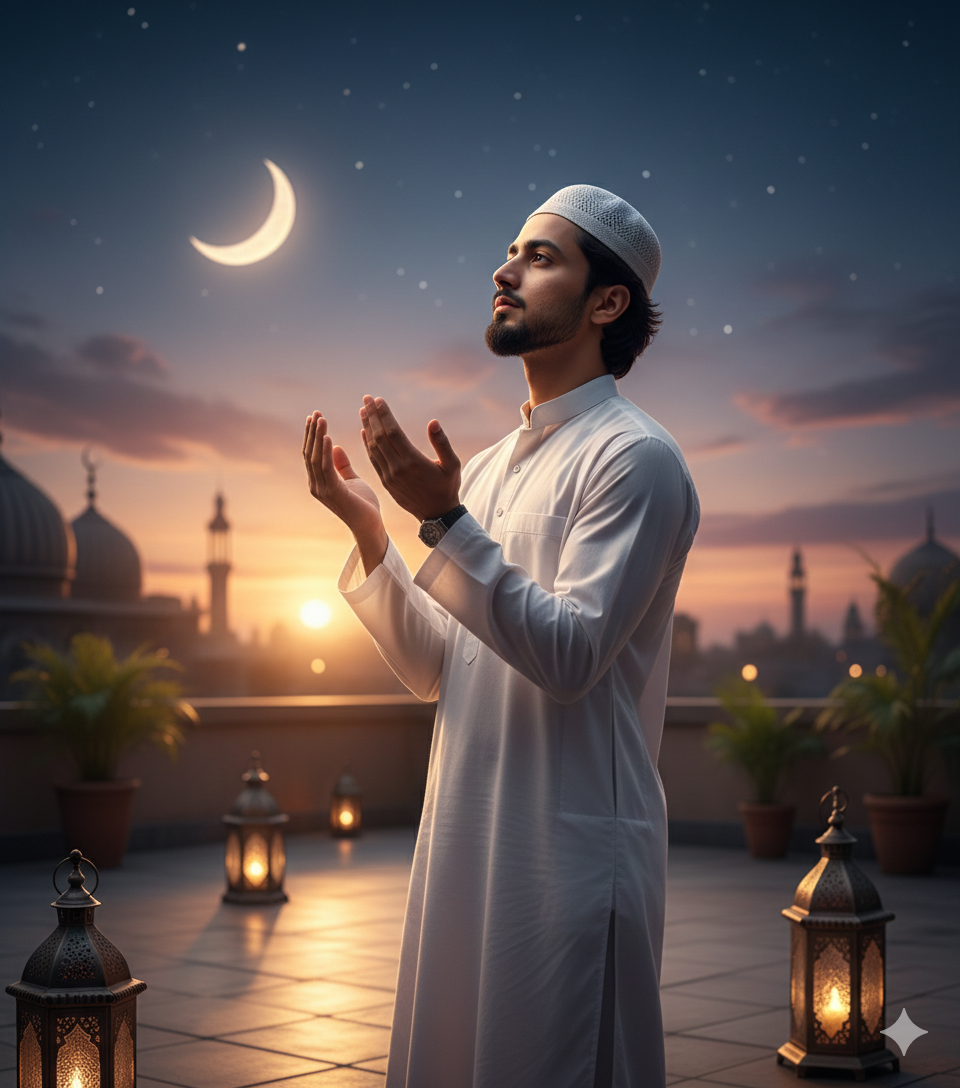
Ultra-realistic portrait of a young
Muslim boy standing on a rooftop at
dusk, wearing a white kurta and skull
cap, hands raised in dua, calm and
peaceful expression, glowing crescent
moon in the sky, soft golden lantern
lights around, Ramadan atmosphere,
cinematic lighting, shallow depth
of field, 85mm lens, ultra detailed,
4K realism
Google Gemini Best Setting For Genaret Photo
You have to follow some tricks with which you can create a completely original photo. If you follow this method, your photos will be generated perfectly. For that, you first have to select the nanno bannan feature in the gemini app. Then you have to click on the pro option. By applying these two settings, your photo will be created like an original photo, no one will be able to understand whether it is fake or real. And when you upload the photo, you have to upload a selfie photo in which your face can be clearly seen.
Conclusion
The month of Ramadan has just started, before it ends, you create the photo and upload it on social media. I am fasting during the month of Ramadan, if you are also fasting, then tell me in the comments. And please tell me how you liked my gemini ai photos in the comments. Thank you very much for visiting ishan prompt website.