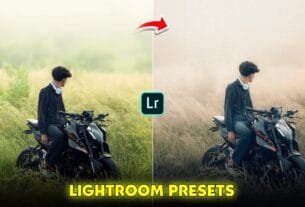
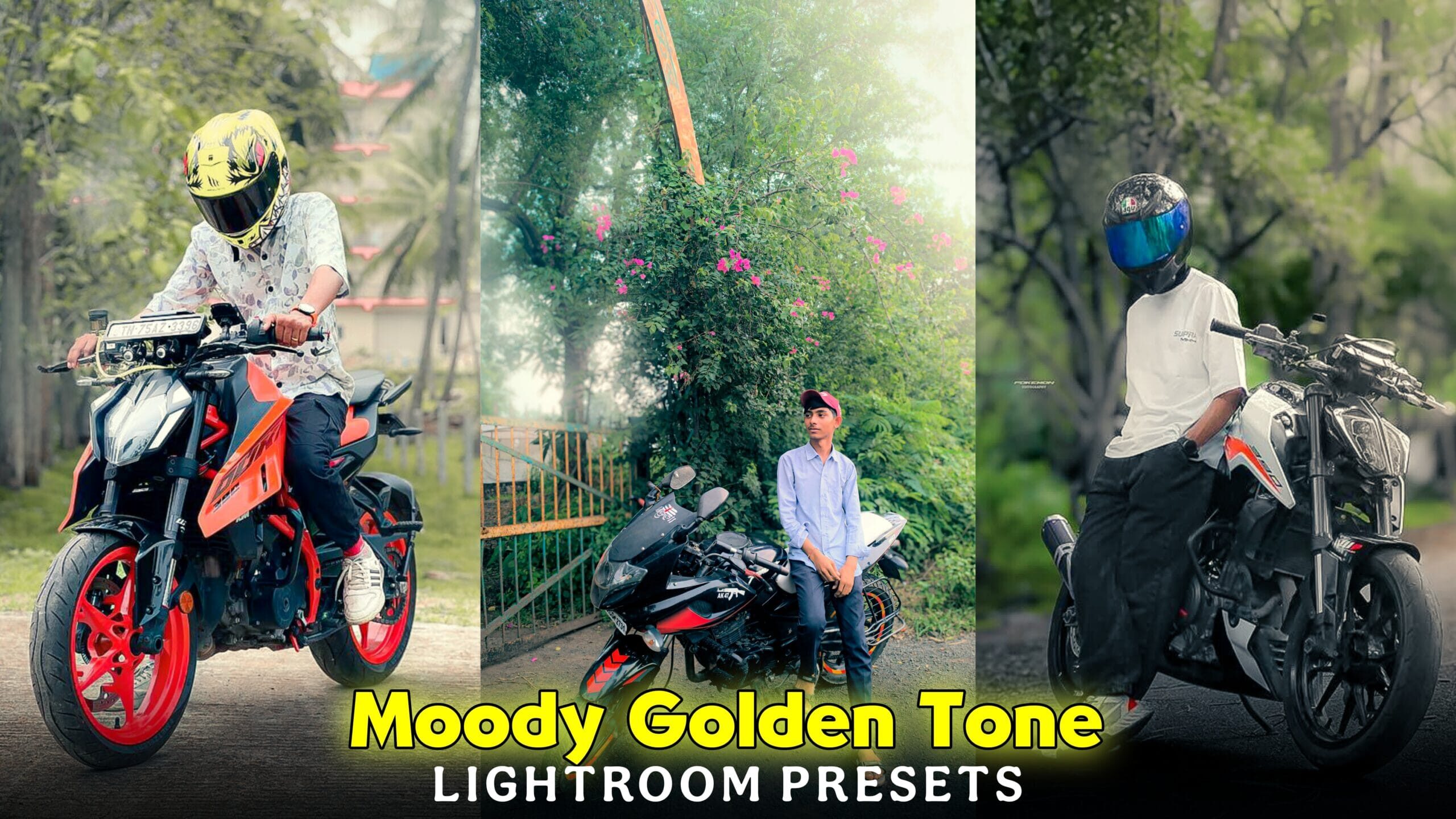
Moody Golden Tone Bike Photo Editing Lightroom Presets-Do you have a bike and you go around a lot on it. And take photo shoots and upload them on social media. There are many content creators who have a bike page where they only shoot and post photos of their bikes. Now if you upload raw photos, it will not look that good. If you are not good at editing. I will also teach you. I like such a colour tone on a bike. Those who have an audience for bikes like such a colour tone. If you post such a photo on Instagram, your account will grow a lot. Because if you upload such a biker photo, your profile will look cinematic. And most of all, cinematic photos are liked more. Today in this post.
I will teach you Moody Golden Tone Bike Photo Editing which you can do with the help of Lightroom app. If you think that I will show you how to edit manually, then you are wrong. I will show you how to add golden hour color grading to a normal photo by copying and pasting using Lightroom presets. No editing knowledge is required to use Lightroom presets. If you don’t know how to do it. I will tell you step by step.
Moody Golden Tone Bike Photo Editing Lightroom Presets
I have used many tools in these presets, so you have to update the Lightroom app first so that there is no problem while editing. Now you have to open the Lightroom app. After opening it, there is a three dot bottom in the corner, click there. Then you will see the copy setting option, click on it. Now you have to turn on the Crop, remove, masking option there. After turning it on, click on the right bottom. Now add your raw photo to Lightroom and open it and click on paste setting. Now you will see a little loading and the golden hour colour tone will be applied to your photo. If you do not like the colour tone, you can change it using the hsl tools. There are many people who do not have much money to edit anything with the editor. For this I will help you edit cinematic photos for free. You will not have to pay a single penny for this, it will be completely free. There are many people who use premium pro to create such cinematic photos, this is not possible on mobile phones. It is on PC. We will use adobe lightroom app.
How To Use Golden Tone Bike Photo Editing Lightroom Presets ?
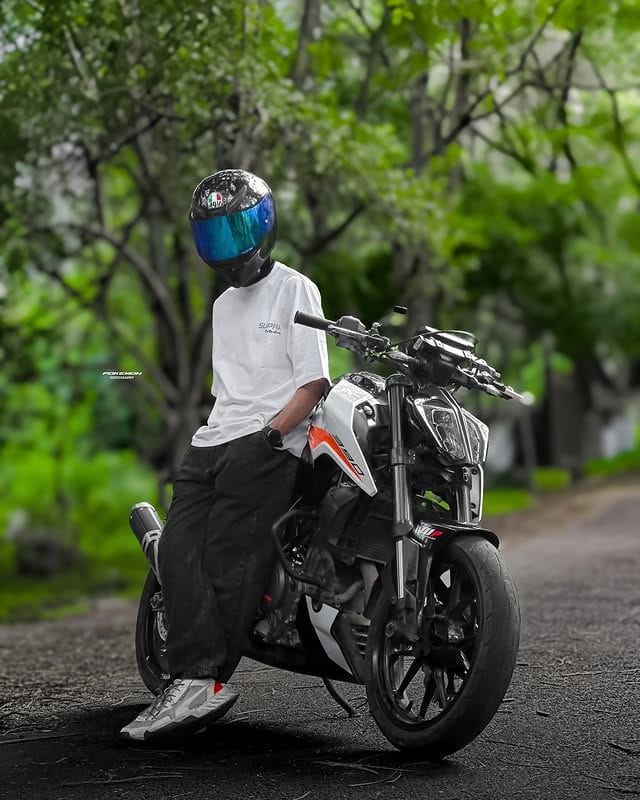
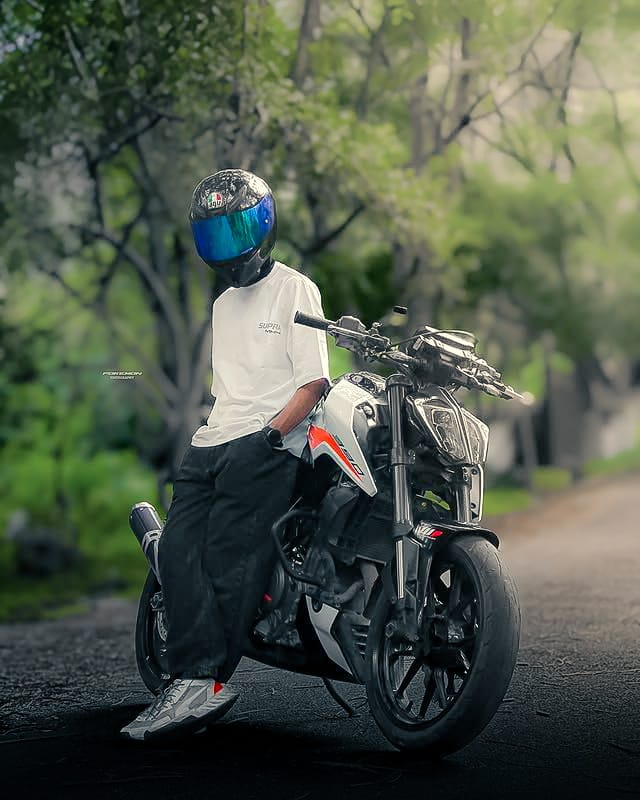
Let me give you some description about the golden hour lightroom presets that I will give you. I have shown you how this photo looks before and after below, you can get some ideas from there. In the photo, you can see golden light on the top corner side which makes the photo look cinematic. And this has been done with the help of lightroom’s masking tools. The background of the photo has been made in light green colour tone, this has been done with the help of hsl ar colour grading tools. Now some parts of the bike like fuel tank, alloy wheels, and helmet look much more beautiful in such colour tone.
Now let me tell you about the presets. You will not be able to edit this photo without presets. So I have given you the link of presets below, click on the link, google drive will open, there you will get the presets, click on the download bottom to save the presets in the gallery. Now you need to add the presets to Lightroom and use them. Let’s learn more about Lightroom presets.
Download Presets
Try This Creative Biker Pose
Friends, you will shoot photos with a bike and you don’t know what type of pose will make you more compatible with the bike. There are many people who shoot photos but don’t know how to do it properly. I have told you some poses for bikers, if you shoot photos with this kind of pose, then it will look very beautiful in the photo. While taking this photo, you have to click the photo from the front of your bike’s head, the model will sit on the bike and put her hand on the handle and be light towards you. Another pose is that you have to click from the back of the bike. You will sit on the bike and be behind the camera.
Now while clicking the photo, you have to click from the middle of the biker. The model will have one hand in his pant pocket and one hand on the bike. If you shoot photos in this way, you will see that the photos will look very beautiful. While shooting photos, 30% of the sky should be visible, so the photo cinematic editing will be good. I told you 3 biker poses, shoot photos like this and add them to Lightroom and edit them.
Conclusion
Many people have Lightroom apps that cannot use the masking tools on their phones. There are also many tools that cannot be used. Do you know why you cannot use these? For this, you have to pay for the Lightroom app. You cannot use these tools for free because they are locked. If you want to use them, you have to pay some money. In this article, you will see how it feels when you shoot a photo, how you use Lightroom presets. You can find these presets on Google Drive, open them and download them.
Hey friends I am ishan biswas, I am the founder of ishan prompt. I post all types of articles like Capcut Template, Ai Photo Prompt, Lightroom photo editing, Vn Template on this website. I try to always post high quality type articles. After seeing the articles I have given you, you can post them on your social media. Keep visiting my website to see such trading trading articles.