
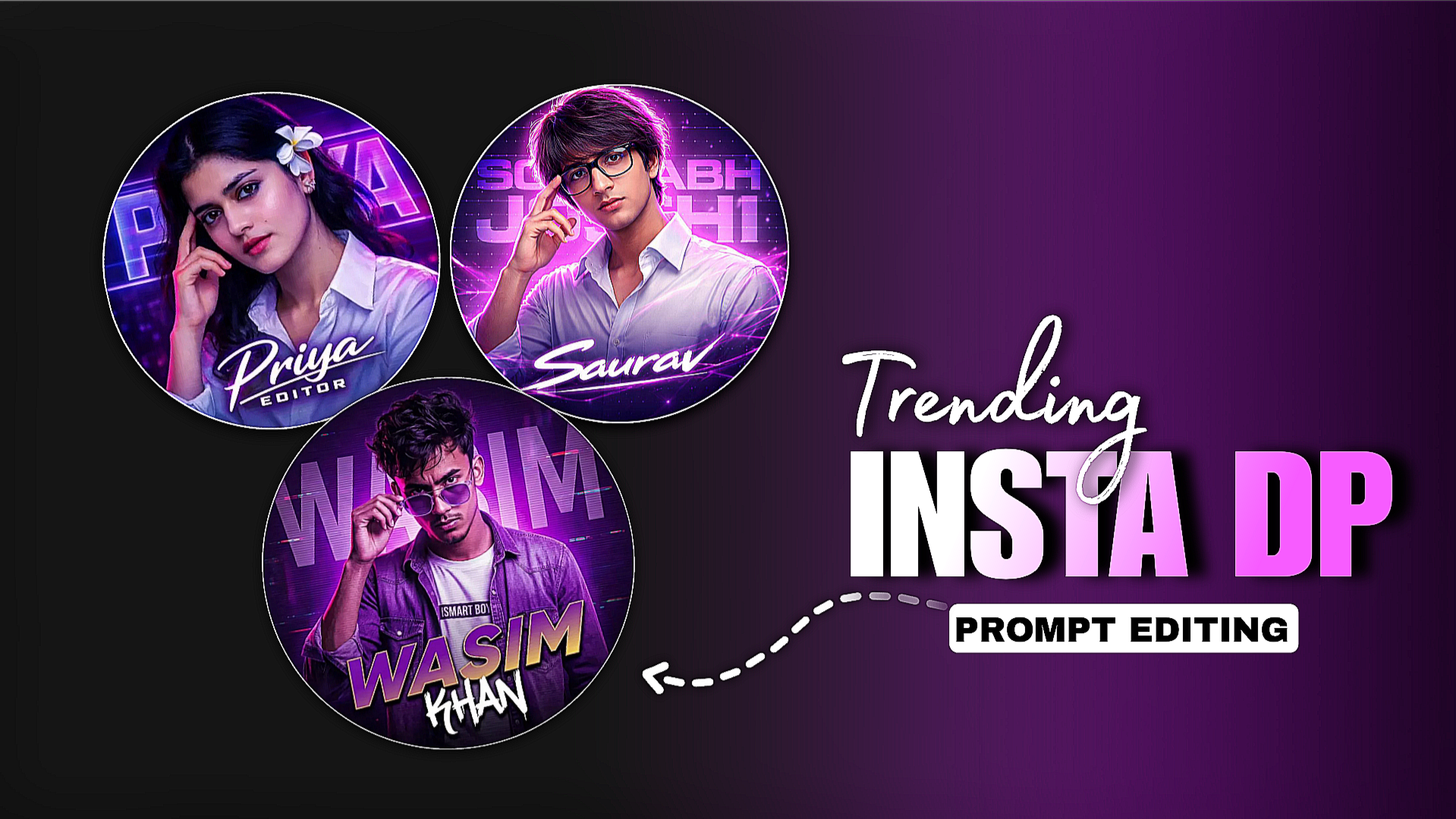
Instagram Trending DP AI Photo Prompt Chat Gpt-When we visit an Instagram or Facebook profile, we first see the dp. The dp photo matters a lot if your profile photo is professional or unique. Your page can grow if it is. In this article, you will know how to create a professional profile photo or dp. It is not too difficult and does not take much time. You can create dp photo with just one click on chat gpt help. You can also create photos for your social media dp. If you also want to create this type of dp with the help of chat gpt prompt, follow the editing steps I have given.
Instagram Trending DP AI Photo Prompt Chat Gpt
To make a trending DP, you don’t just have to give chat gpt. You need the right method then you will be able to make a viral hook dp. chat gpt Sathe I will also use our prompt. You have to write the prompt perfectly then you will be able to make this trending dp. If you cannot write the prompt yourself, I am here for that, I will give you a prompt, copy it and use it but you have to change some words in it, like your name. You can give the name as per your profile.
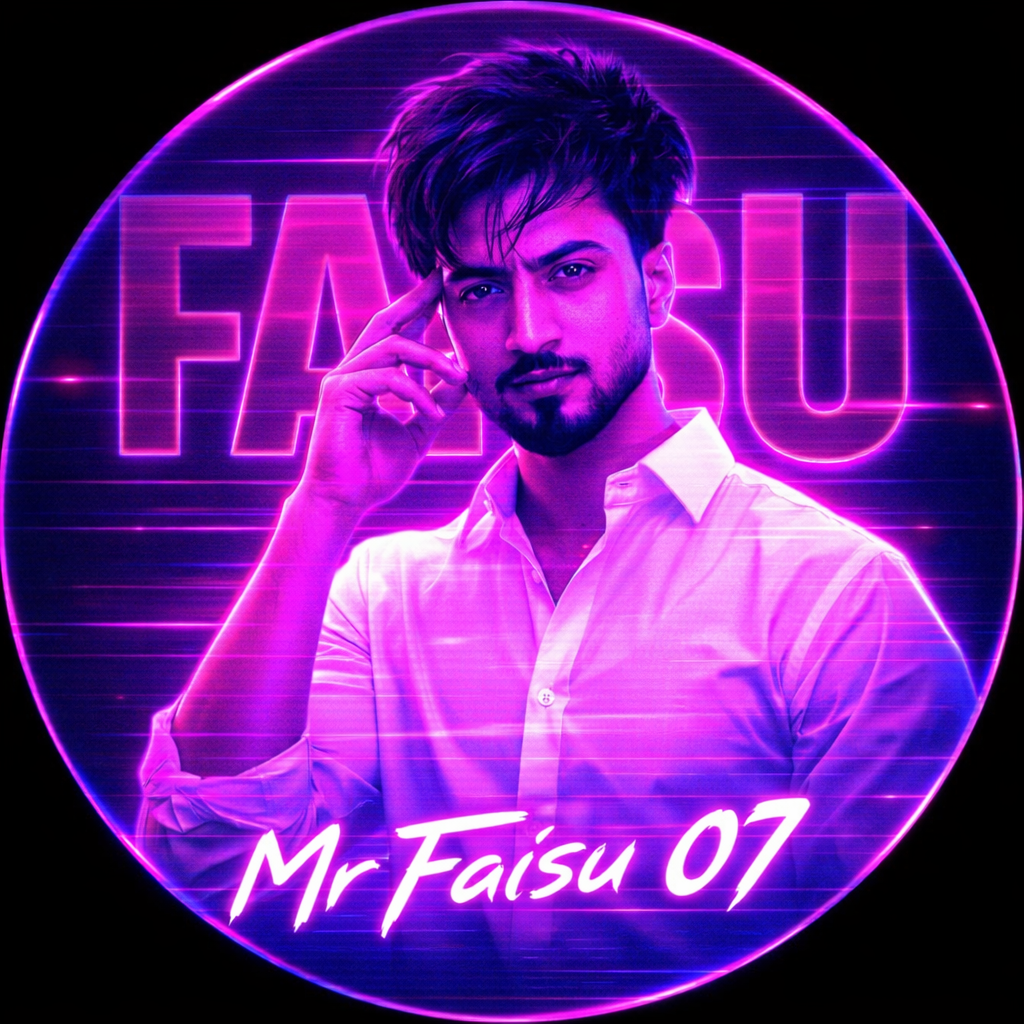
An Indian young boy is featured in
this circular profile picture design.
With his right hand up and fingers
caressing his temple, he is wearing
a clean white button-down shirt and
is staring at the camera with a serious
expression. The picture features a
striking neon magenta and purple
monochrome look. The background has
a horizontal CRT scanline texture
overlay and big, translucent block typography that reads "YOU NAME." The words "USERNAME" are shown at the bottom in crisp, stylised white letters. High contrast, neon lighting that glows, and a digital fan art style.
How To Use Instagram Trending DP AI Photo Prompt ?
- First you have to download the chat gpt app from play store, if not you can use it from google.
- Now create an account in the chat gpt app.
- Then you have to click on the plus option and upload the photo.
- Now you have to copy the prompt given by me.
- Open chat gpt and paste the prompt.
- Then you have to click on send bottom.
After some time you will see that your photo has been created. Open the photo and download it
Conclusion
You can create these types of dp not with chat gpt but with other ai websites. Use the same prompt and the photo will be created. The editing steps of other apps or websites will be a little different. After creating the photos, when you apply them to the dp, you will see that they will grow more. If you want to make a different type of dp, you can comment and I will come up with another article.

Контент для взрослых можно транслировать на надежных платформах для обеспечения конфиденциальности.
Откройте для себя безопасные веб-сайты
для качественного просмотра.
My web blog: buy viagra